Let's File Through the File Types
Ad Builder supports a wide range of file formats. That's by design. Different channels, placements, and creative goals all call for different file types. Knowing which file to use as a building block in your ads makes your production faster and your output much cleaner.
Here's a complete breakdown, starting with the basics and working up to those slightly more special / advanced filetypes.
JPG
JPG is the workhorse. Maybe you have heard of it if you ever used a computer. JPEGs are best for photography: people, environments, lifestyle imagery, anything with subtle color gradients where transparency isn't needed. Lossy compression keeps file sizes small, which helps when you're working within tight ad weight limits. JPG vs JPEG? Same thing, just different extensions in the file names.
The trade-off with JPGs is a small reduction in image quality. That's mostly invisible on photography but very noticeable on images with sharp text or geometric edges – especially if you zoom in 800%. Use JPG for backgrounds and hero images, and PNG or SVG for anything with hard lines.
Best for: full-bleed background photography, lifestyle imagery, background images where file size matters.
GIF
GIF is one of the oldest web image formats, and while a bit of a relic, it still earns its place in 2026. GIF supports basic animation and transparency and is accepted almost everywhere, including ad networks and email clients that don't support HTML5 or video.
The limitation is color: GIF is capped at 256 colors per frame, so it's not suited to photography or complex gradients. For simple looping motion it works well, but it's the least efficient way to add animation to an ad. There are better options ahead if you want to do flashy animations of video.
Best for: simple looping animations, fallback assets on networks with HTML5 restrictions, email marketing creatives with basic motion.
PNG
PNG is the right call when you need a transparent background on a static image. Product cutouts, character images, overlays: anything that needs a clean edge without a background box.
PNG uses lossless compression, so image quality is fully preserved. Files tend to be larger than JPGs, so use PNG where transparency or sharpness matters most and JPG where file size is the priority.
Best for: product images with transparent backgrounds, images with sharp edges or text where JPG compression would cause artifacts, any static element that needs to sit cleanly over a background.
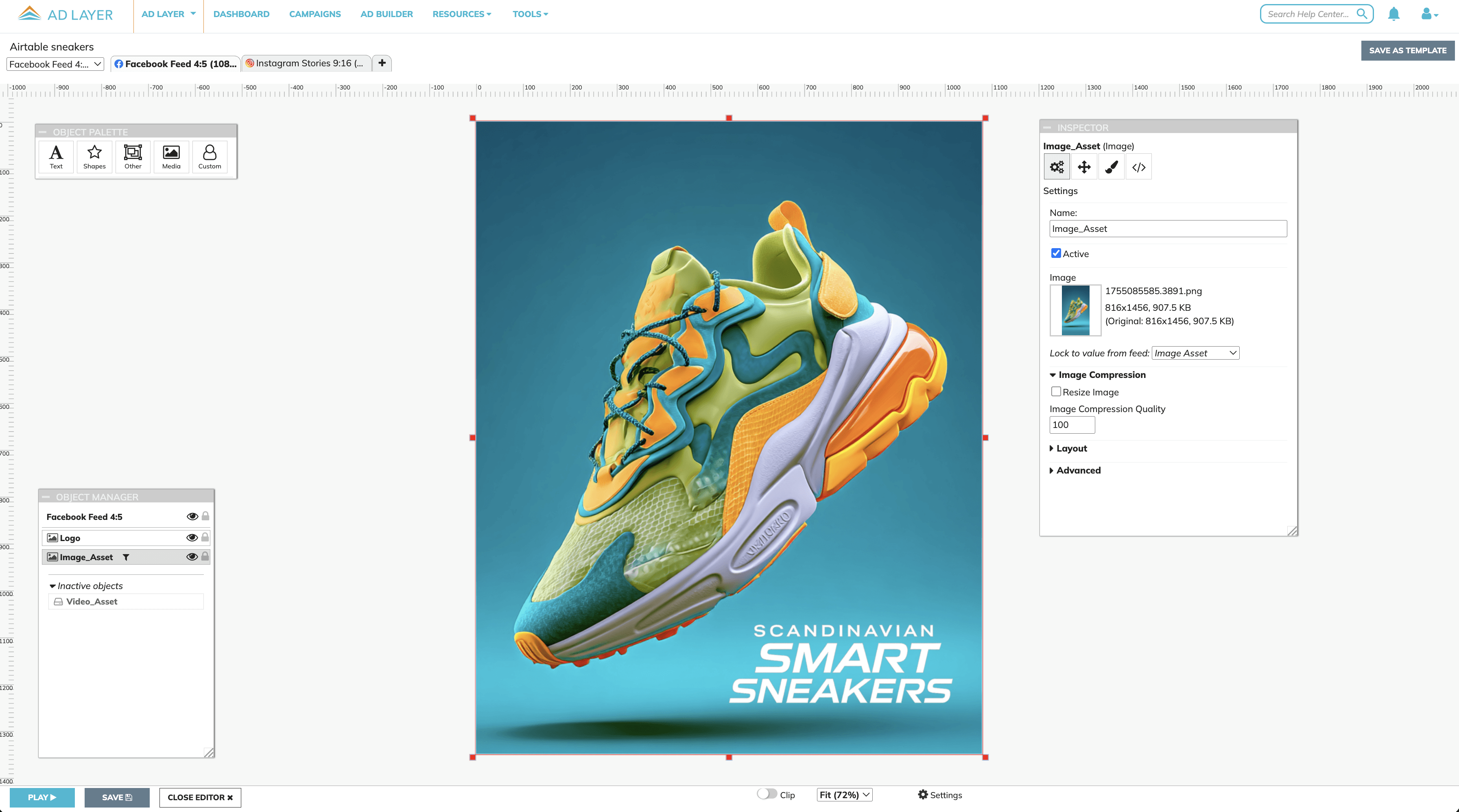
PNGs are great for product images and when jpg compression gets too visible.
MP4
Videos? MP4 is the universal standard for video. It works across every channel: social, display, video, and DOOH. If you need one format that just works everywhere, this is it.
MP4 does not support transparency, but for most video ads that's not a problem. It uses H.264 compression, which delivers solid quality at manageable file sizes and plays reliably on pretty much every platform and device.
For social ads the workflow is simple. Upload your MP4 directly to Ad Layer assets and use it from there. No external hosting needed. For display ads the video file needs to be hosted externally and referenced via URL. If this is something you want to do, talk to us.
Best for: Whenever you need video in your ads. Display, social video on Meta, TikTok, YouTube and LinkedIn, pre-roll and in-stream campaigns, DOOH screens, any placement where broad compatibility matters most.
(Audio)
Ad Builder doesn't support standalone audio files. What you can do, is include audio by embedding a soundtrack in an MP4 or WebM file. If you want a separate audio track, you can always create a video file that contains only an audio track alongside a transparent or minimal video layer, then drop it into Ad Builder. The audio plays as part of the creative, which works well for ads combining sound or voiceover with a video that already has music or sounds on it.
SVG
SVG, a Scalable Vector Graphic, is resolution-independent. Logos, icons, illustrations and geometric shapes stay pixel-perfect at any size, in any banner format. No blurring, no pixelation, and because SVG is vector-based, the files are tiny. That matters a lot when you're working within HTML5 ad file size limits.
SVG goes even further than static graphics. Complex animations can be built directly into SVG files and they still weigh almost nothing compared to video or GIF alternatives. Animated SVGs are one of the most efficient ways to add motion to a display ad without touching your file size budget. SVGs can be animated either straight in the file itself (SMIL) or with Javascript / CSS on our script editor
Best for: logos and brand marks across multiple ad sizes, icons and illustrated elements, animated graphics where file size is a constraint, any element that needs to stay sharp at any scale.
WebM
And here's the cherry on top. WebM is a web-native video format with one standout feature that none of the other formats on this list can offer: full transparency.
WebM supports an alpha channel, meaning your video can have a transparent background. That opens up creative possibilities that are genuinely hard to achieve any other way. Logo animations floating cleanly over a banner. Animated product reveals with no background box. Branded motion overlays sitting perfectly on top of any color, image, or dynamic content underneath.
Best for: logo animations and branded motion overlays on banners, animated product reveals with transparent backgrounds, layered video ads for social or DOOH screens where multiple elements need to combine cleanly.
Read more about our solution that takes you from ad creation to scaling and to publishing here
Ad Layer is created by a team of ad tech professionals who have been working since '97 to improve production and distribution for all digital assets.
They built this system to make production easier for them, now they are bringing it to you.
Ad Layer is a product made by Essential Marketing Methods Nordic AB
Platform
Social